
A photo appearing on both your phone and laptop can feel like two backups. Before clearing space, ask a more useful question: if you delete it in one place, what happens to the other copy?
Understand the connection. Apple’s iCloud Photos guidance explains that edits and deletions carry across devices using the service. It also says those photos are not duplicated in iCloud Backup and recommends keeping backup copies of your library. A synchronized library is convenient, but its connected copies should not be mistaken for an independent archive.
Check completion, not just the switch. Turning backup on does not mean every image has finished uploading. Google Photos Help explains how to check backup progress and the “Backup complete” status. Confirm the intended account, too, particularly if you use more than one.
Make a small, separate collection. Start with an important event rather than your entire library. Use your service’s official download or export instructions to save copies in a location outside the synchronized photo library, such as a separate folder on an external drive you already own. Give the folder a clear date and event name.
Open what you saved. Check several photographs at full size and play a video if the collection includes one. Confirm that you downloaded the files you wanted, not merely links or previews. A successful sample check is useful, though it does not prove every file is intact.
Pause before deleting. Keep the originals until you have verified the separate copies and understand the service’s deletion behaviour. Add a calendar reminder to repeat the export after your next important occasion.
For local help with a photo archive, explore MOMO Top 10 and ask providers how they handle private images before sharing any files.
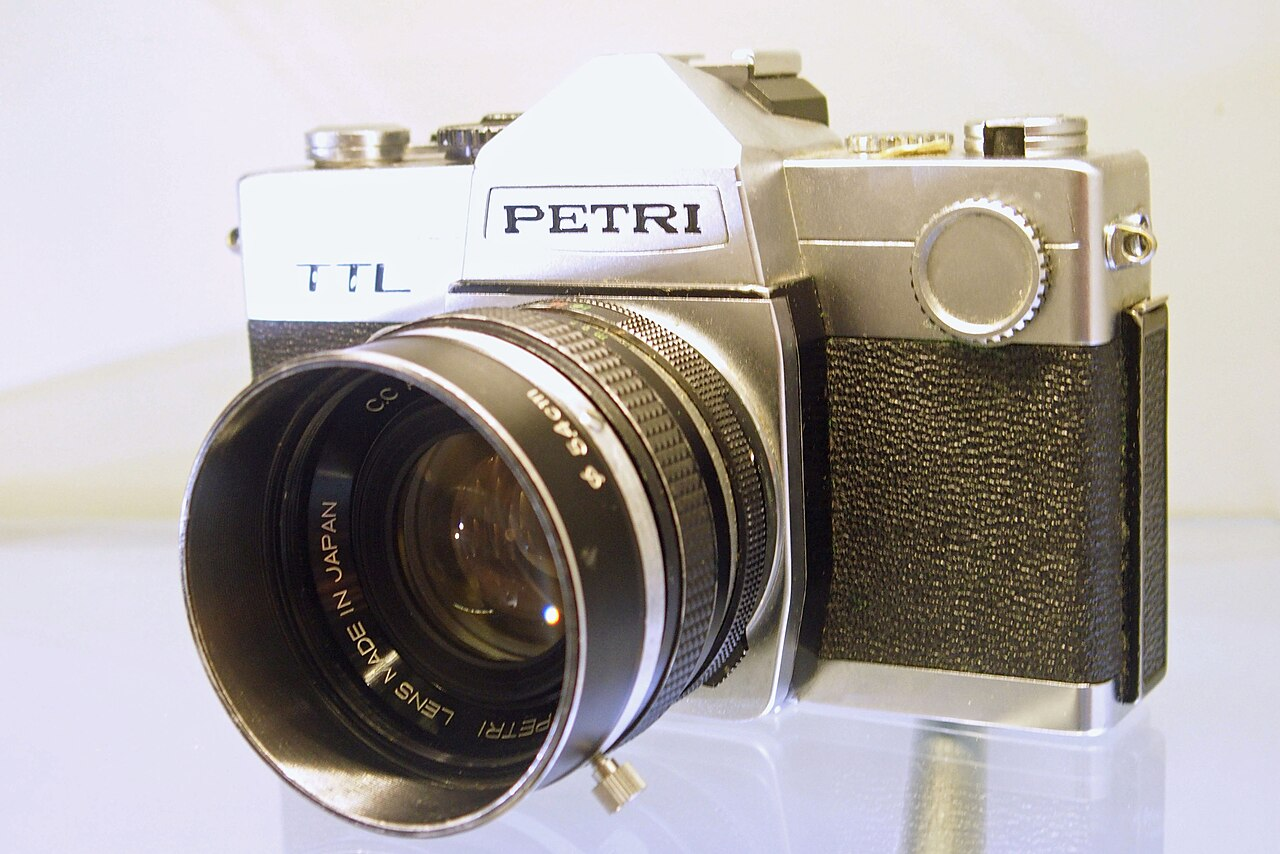
Illustrative image: “Petri TTL single lens reflex camera” by Kotivalo, via Wikimedia Commons, CC0 1.0. Resized; display may crop.