
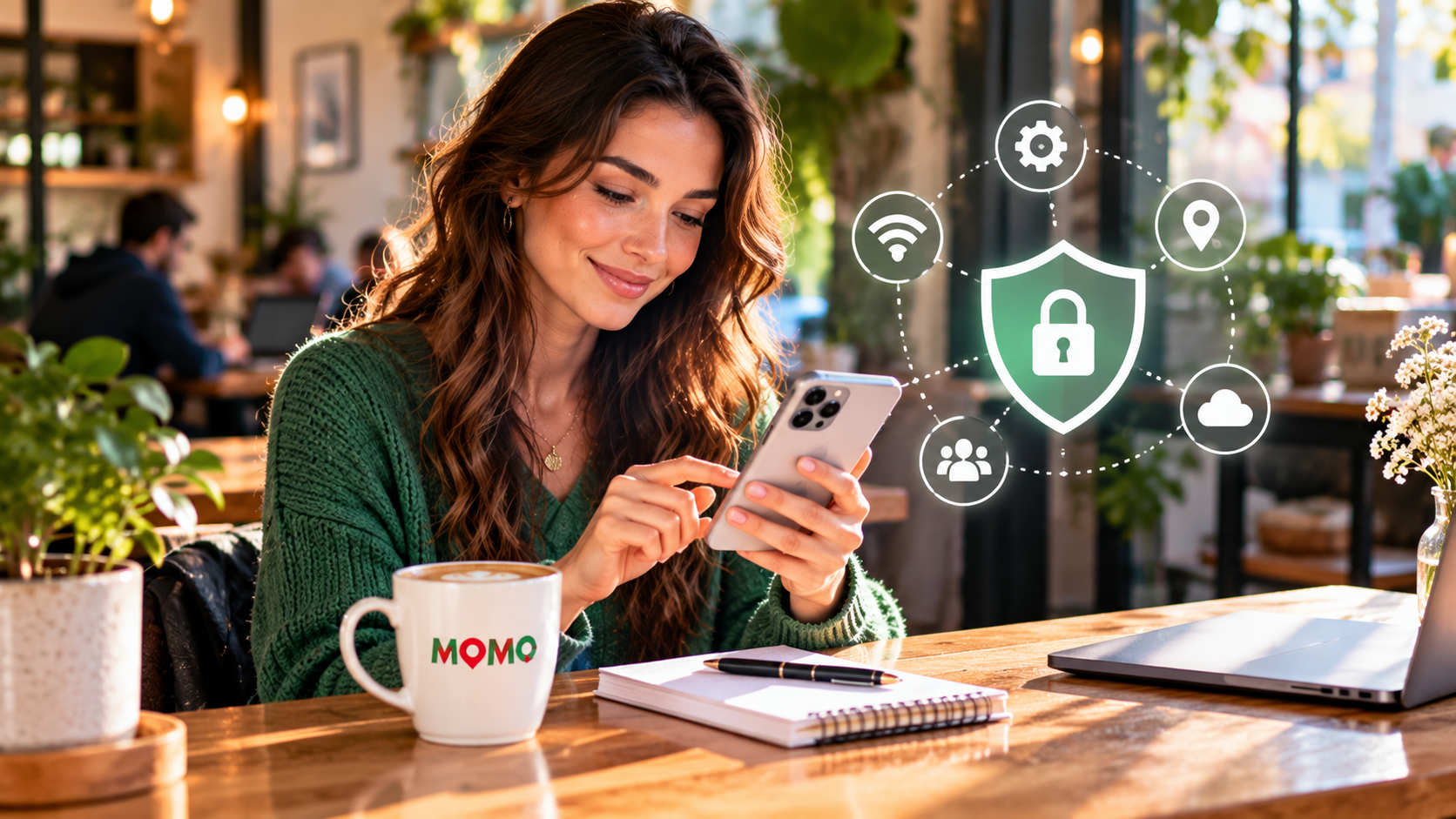
Smartphones make everyday life convenient, but they also hold personal messages, photographs, and account details. A few straightforward habits can reduce unnecessary exposure.
Review app permissions
Open your phone’s privacy settings and check which apps can access your camera, microphone, location, and contacts. Remove permissions that an app does not need for its core function.
Keep software current
Install operating system and app updates from official sources. Updates often include security fixes as well as new features.
Use stronger account protection
Choose a unique password for important accounts and enable multifactor authentication where available. A password manager can help keep credentials organized.
Think before connecting
Avoid entering sensitive information through unfamiliar links or unexpected messages. If a notice claims to come from a bank or service provider, open the organization’s official app or website directly.
Back up what matters
Keep a reliable backup of important photos and documents. Check occasionally that your backup is actually working.
For local technical help and other services, visit MOMO Top 10.